Circle Remote
Reach any store PC in seconds.
Secure remote control with a permanent device ID, multi-monitor, file transfer, security cameras and POS tools — the same program Circle support uses to help you.
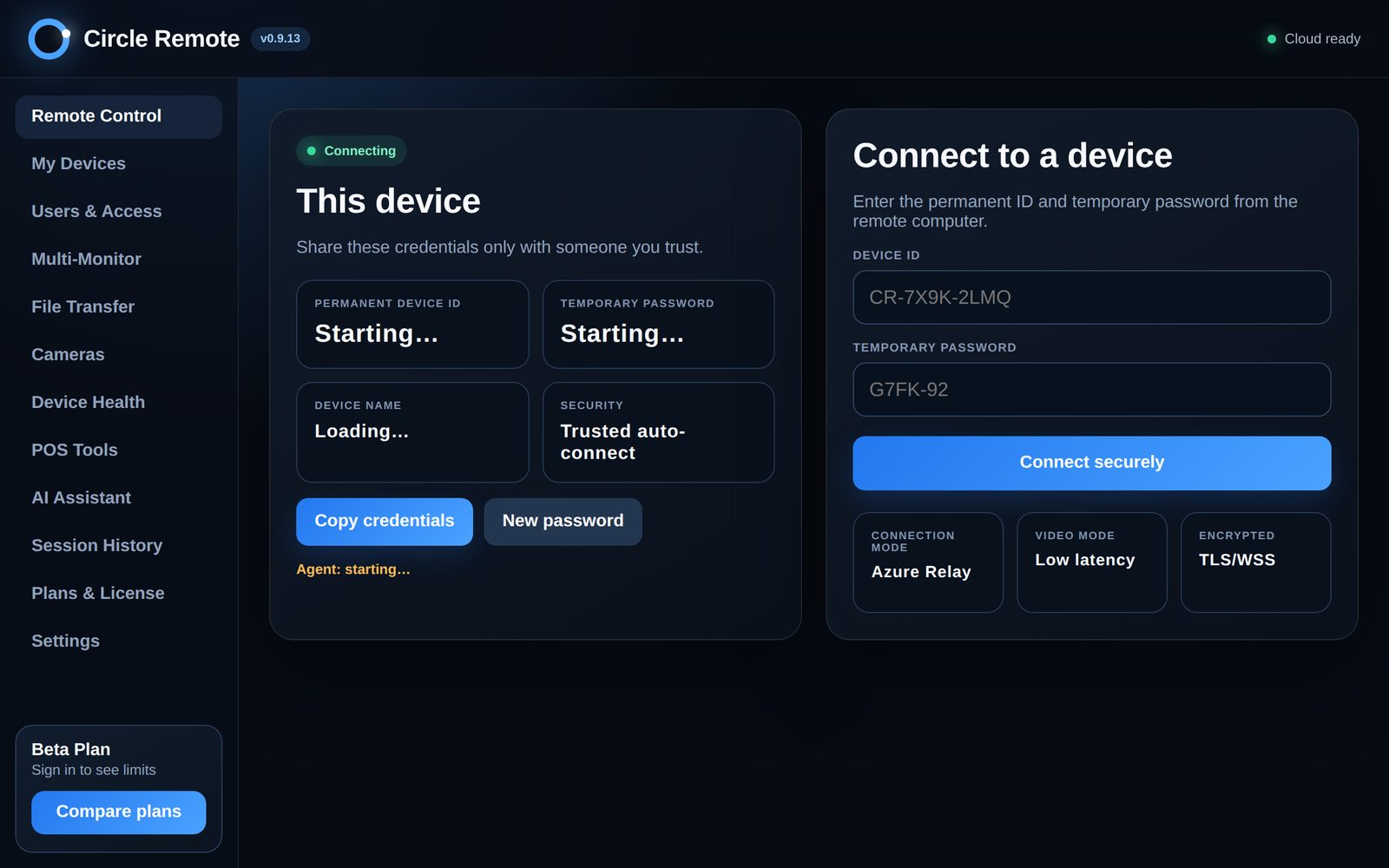
Encrypted
Device ID with a temporary password, an encrypted relay (TLS) and trusted auto-connect.
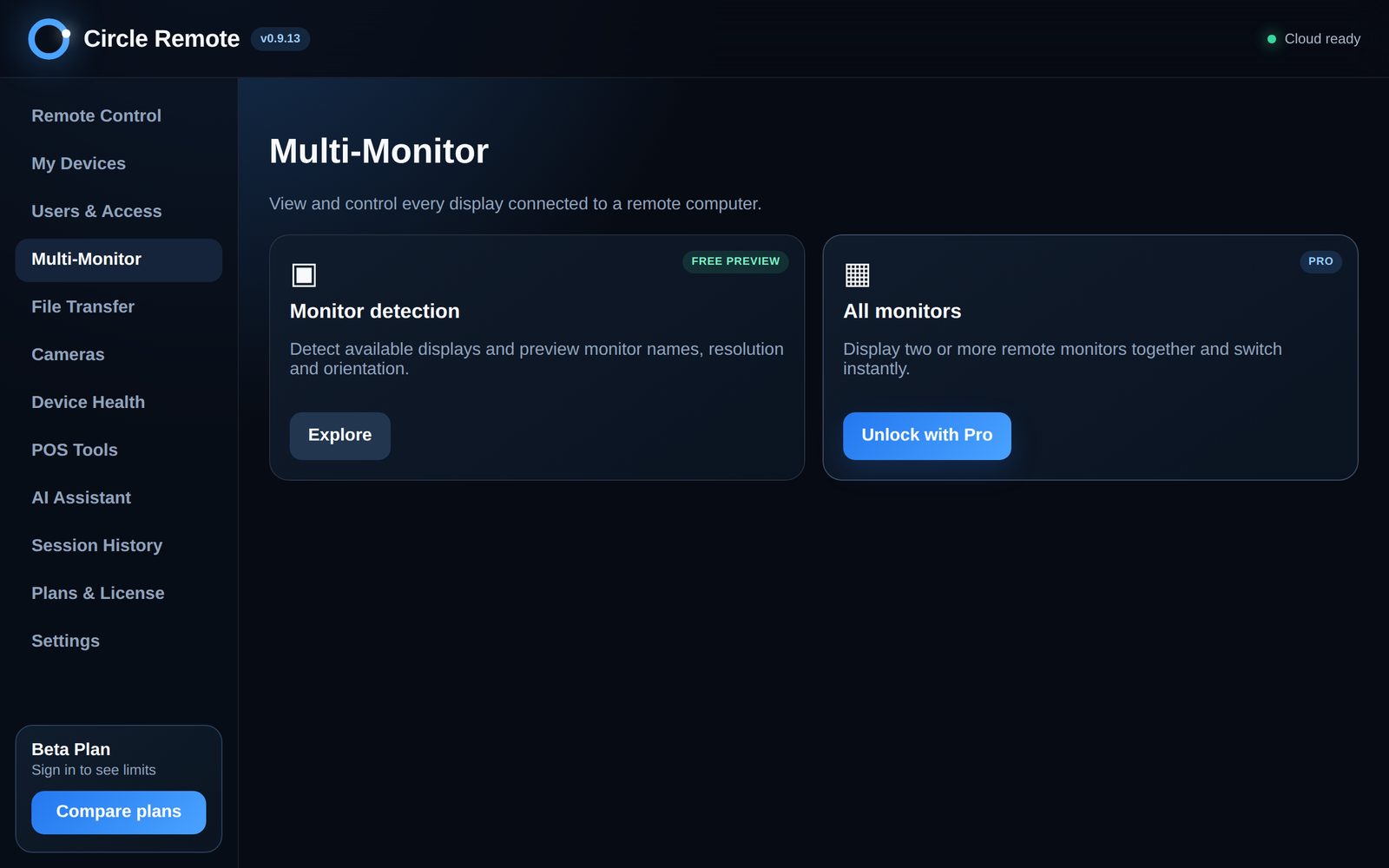
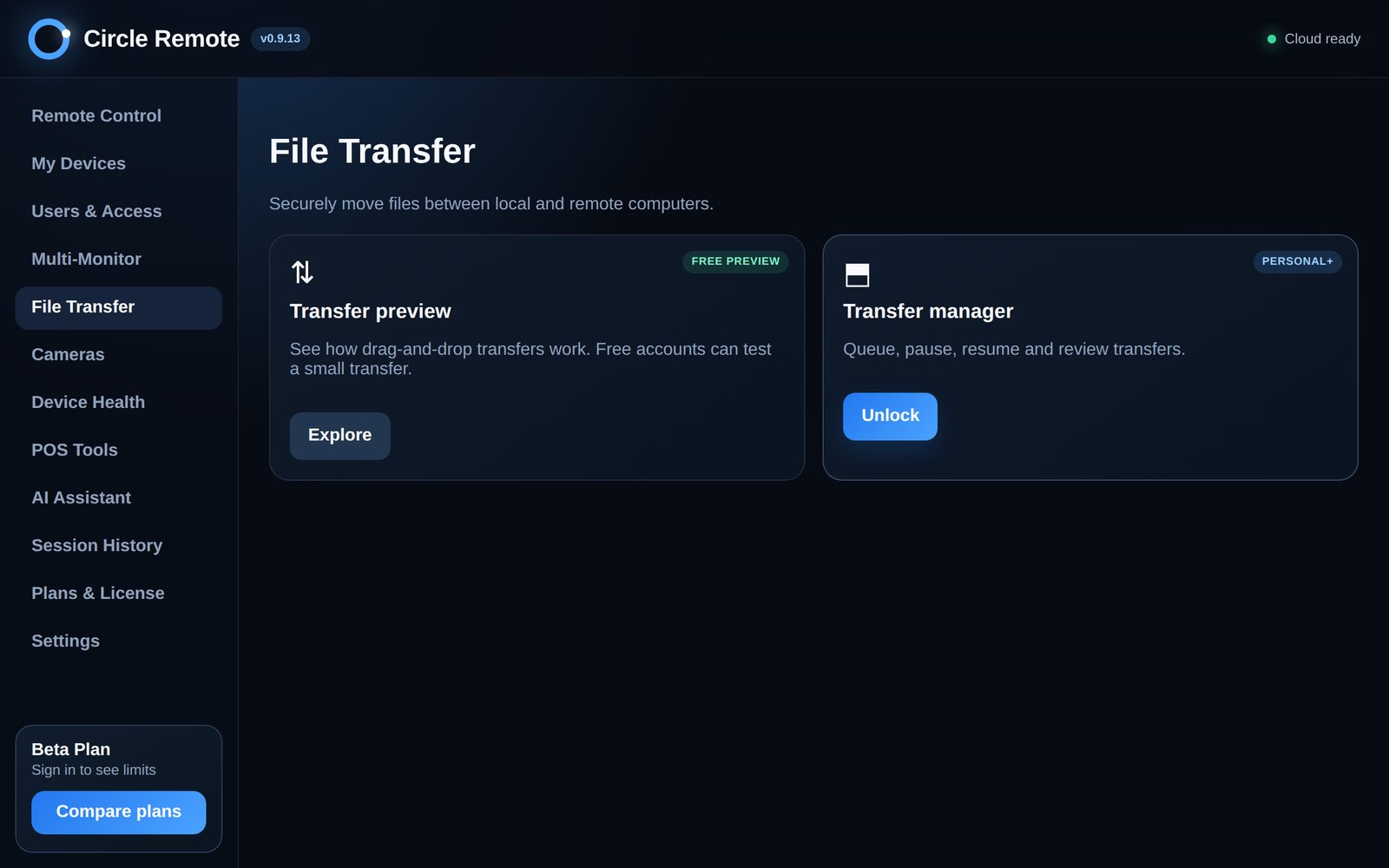
Multi-monitor · file transfer
See every screen and move files both ways.
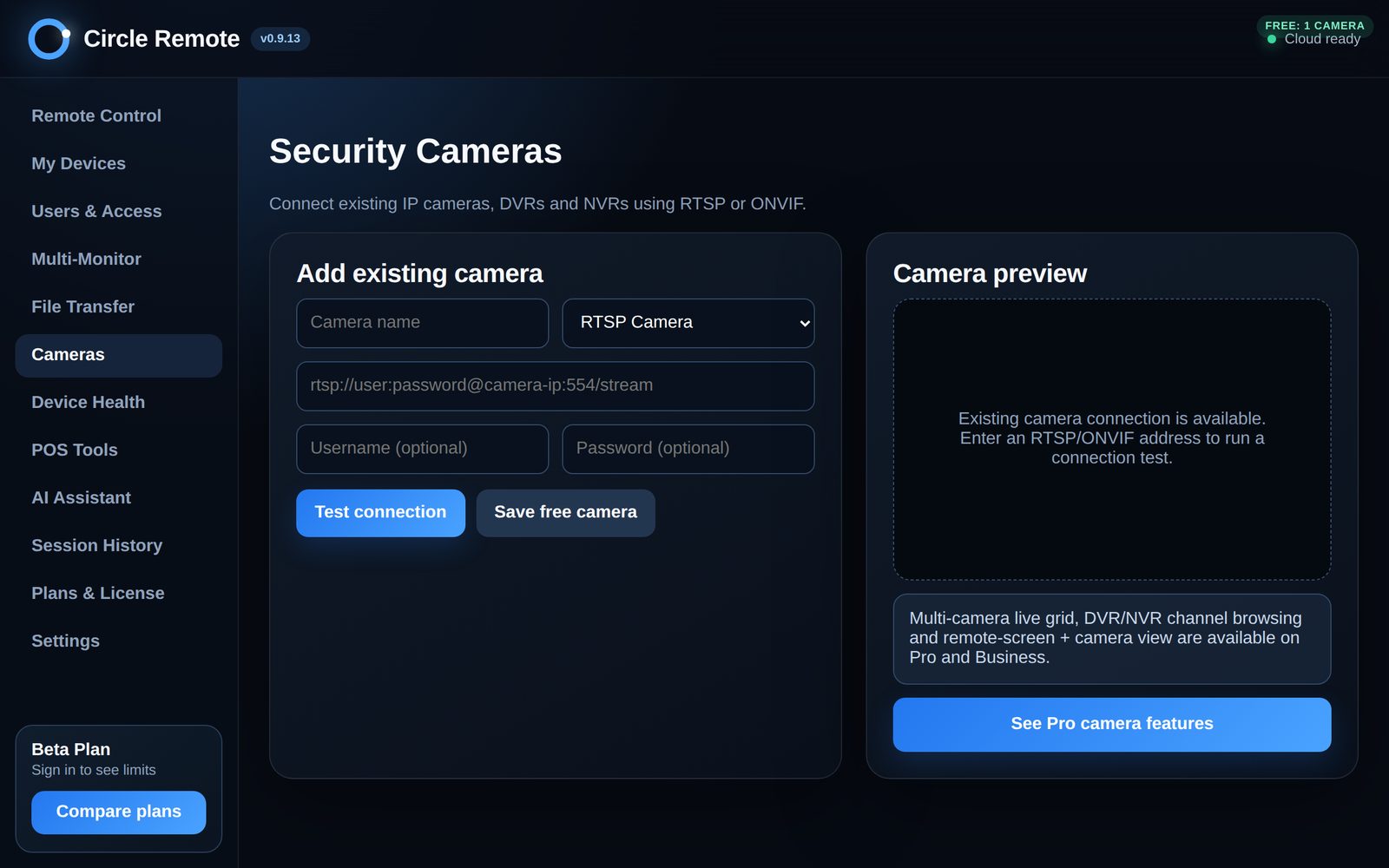
Security cameras
Connect IP cameras, DVRs and NVRs (RTSP / ONVIF).
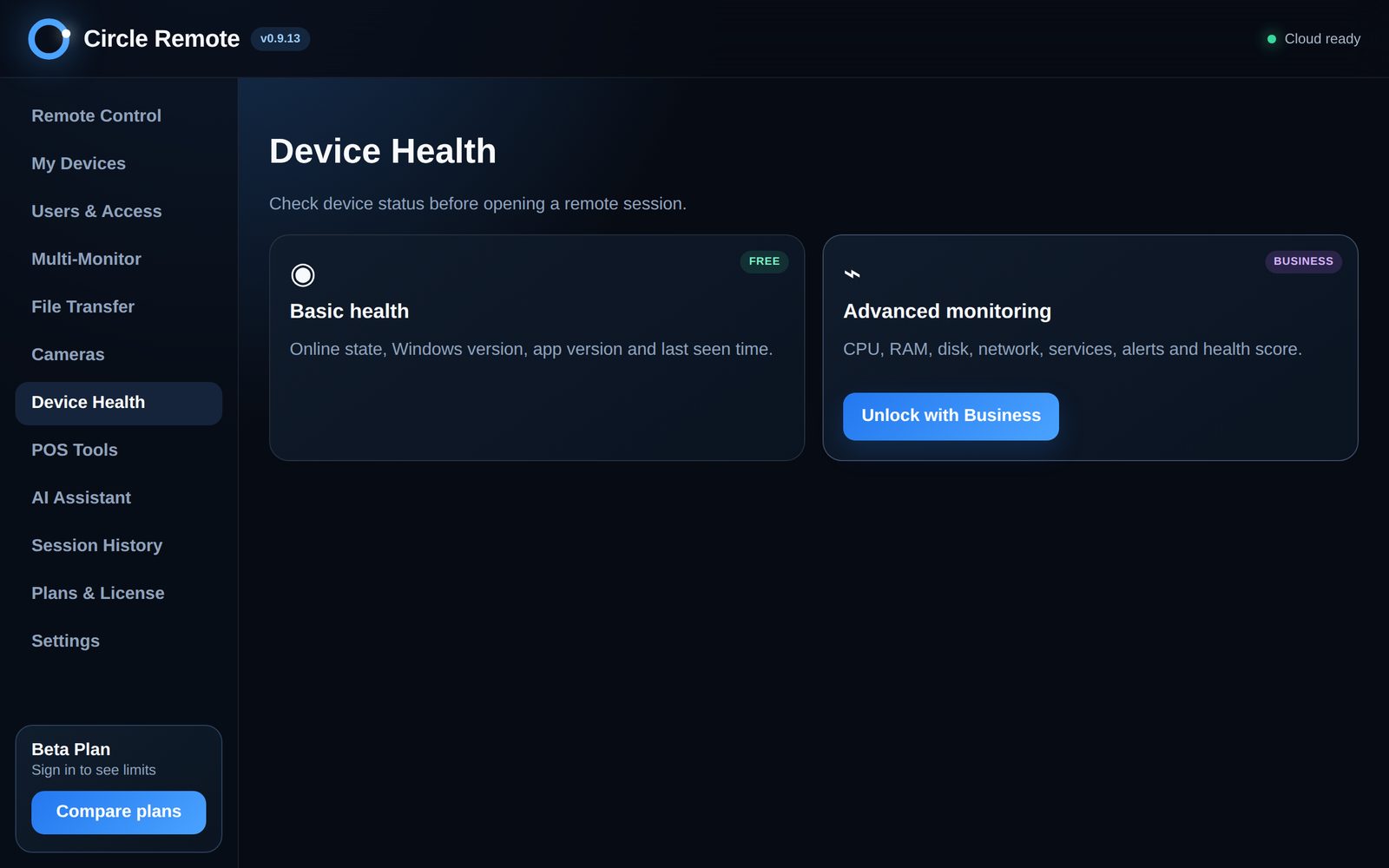
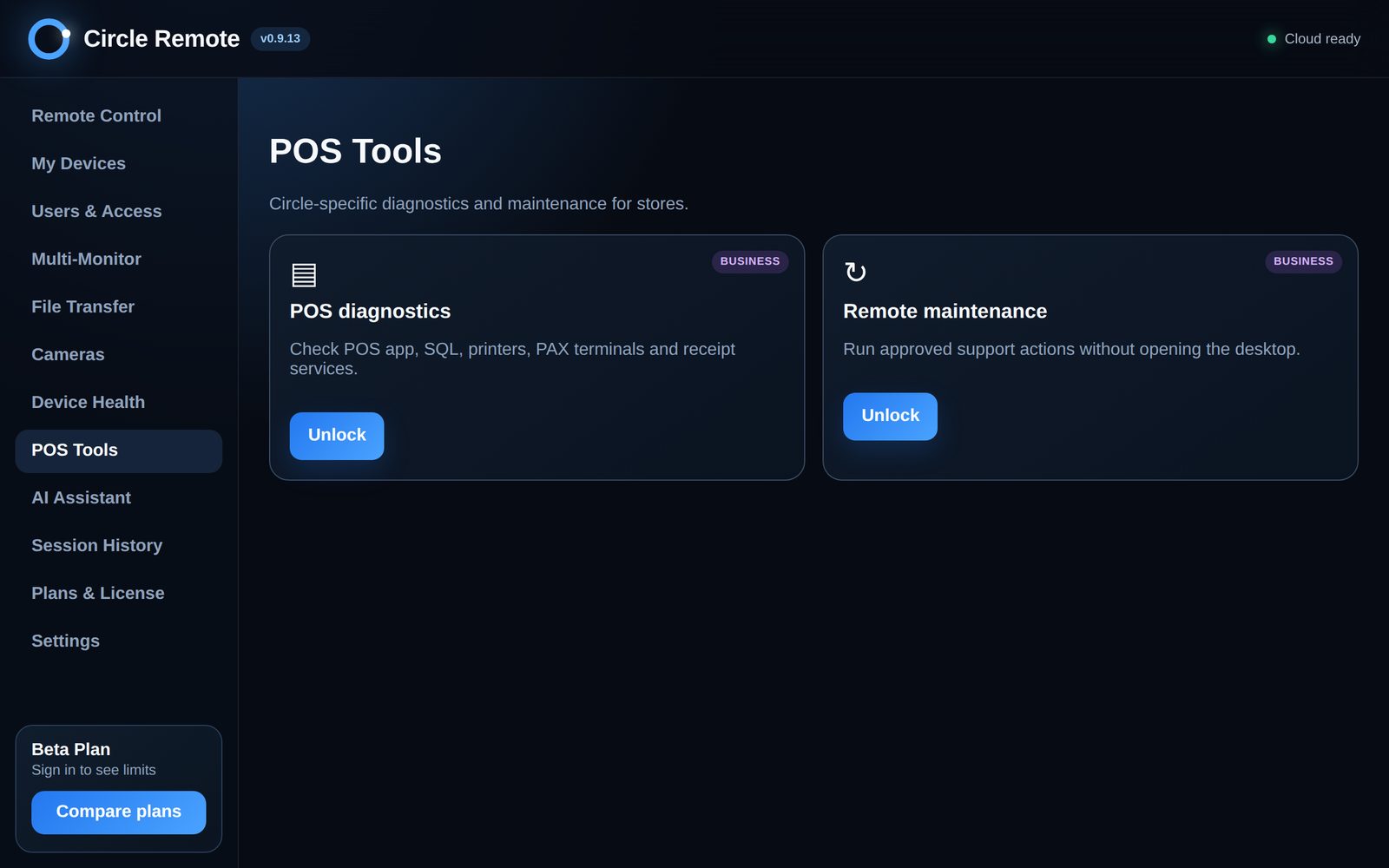
Device health · POS tools
CPU, disk, network and POS diagnostics before you even connect.
Users and access
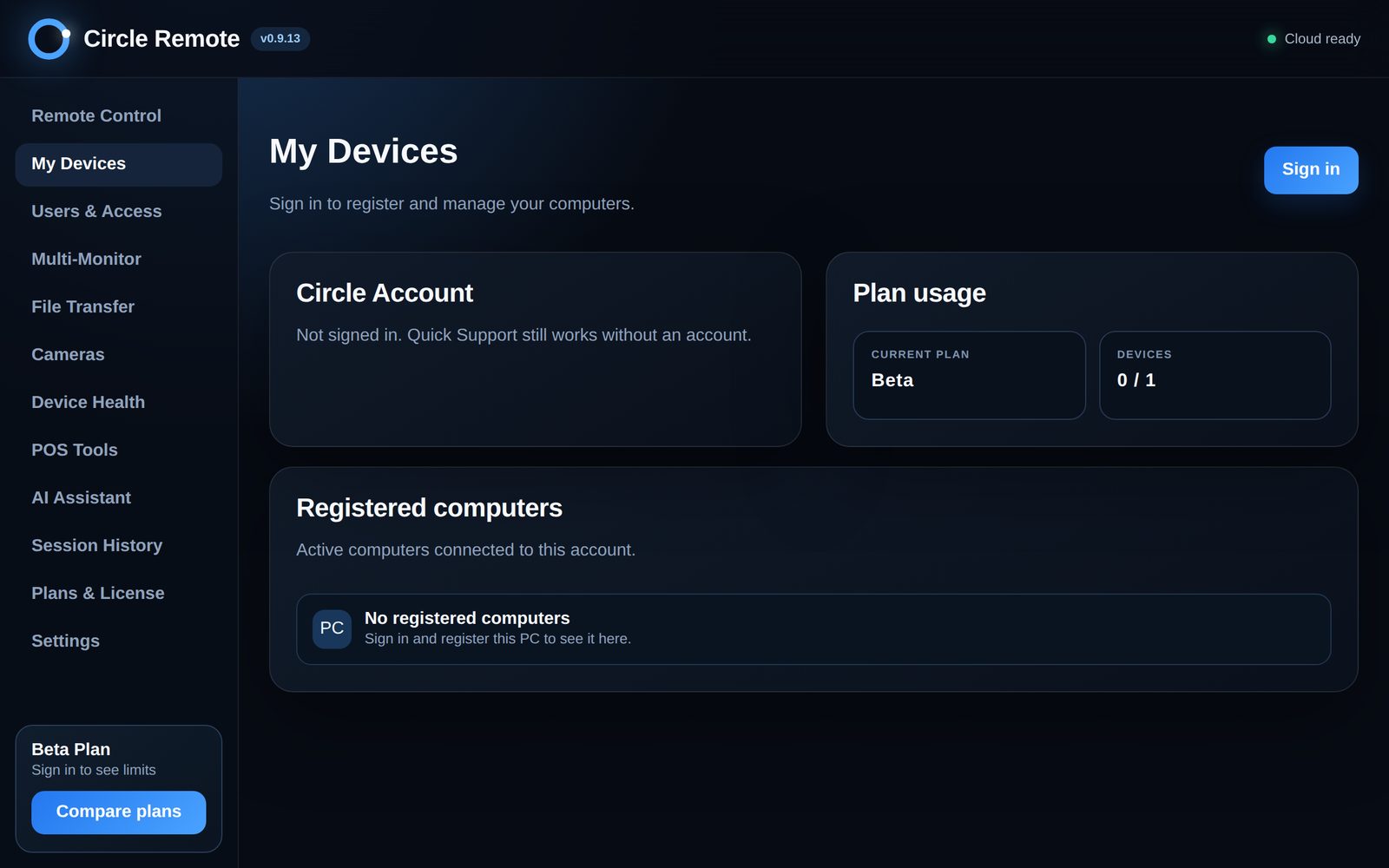
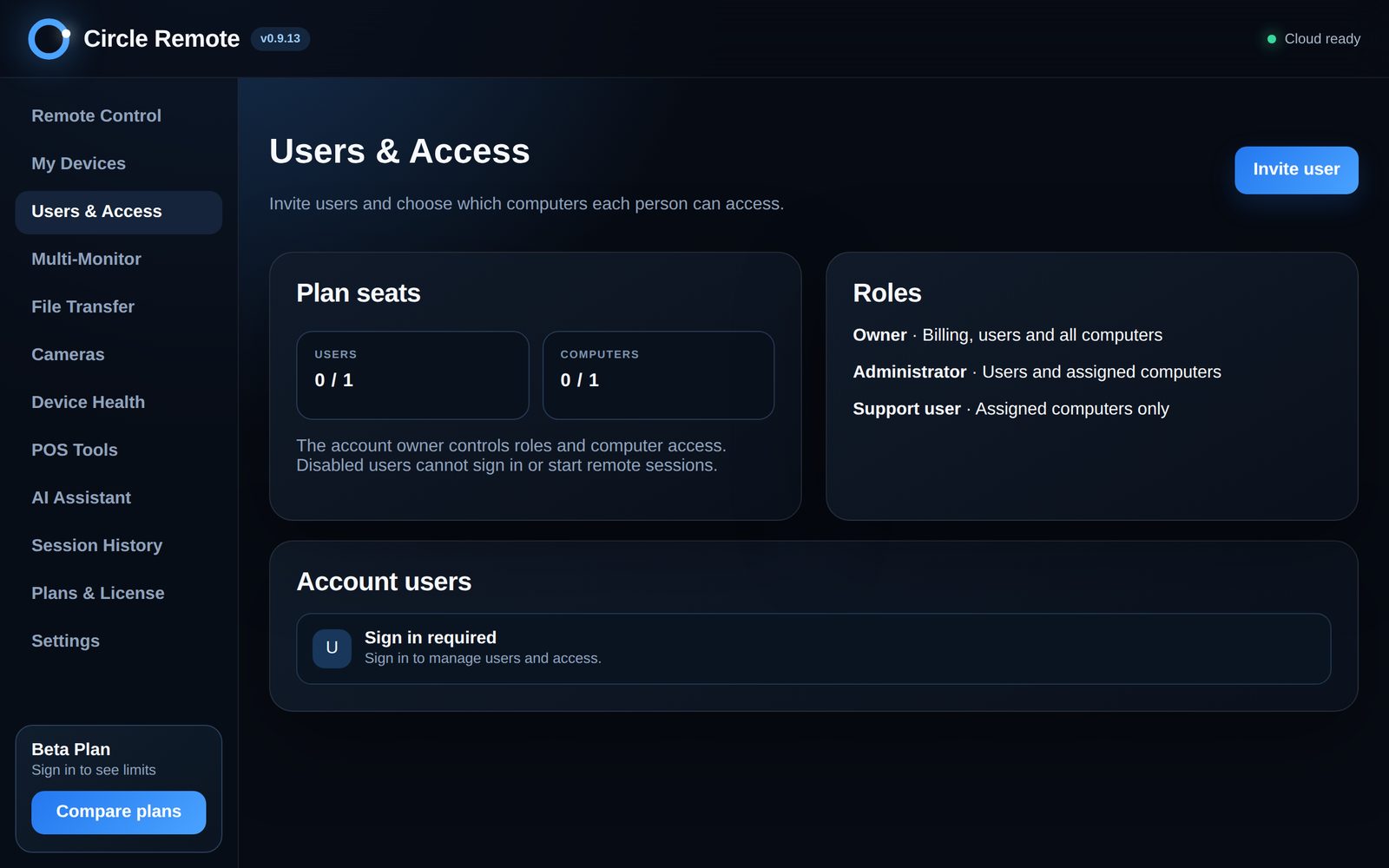
Owner, administrator and support roles; each person sees only their computers.
AI assistant · history
AI health checks and suggested fixes, with a session history for every visit.
Plans (per month)
Free $0
1 computer · 1 user · secure remote control · quick support
Silver $4.99
2 computers · 2 users · file transfer and clipboard · multi-monitor
Gold $39.99
10 computers · 5 users · high-quality mode · device health, history and POS tools
Platinum $79.99
Computers and users set by HQ · teams, groups and audit logs · priority Circle POS support
Get help from Circle support
- Download Circle Remote and open it.
- Find the device ID and the temporary password on the first screen.
- Email them to support@circleposusa.com — or tell the Circle agent helping you in chat.
Real Circle Remote screens
Tap a picture to see it larger.
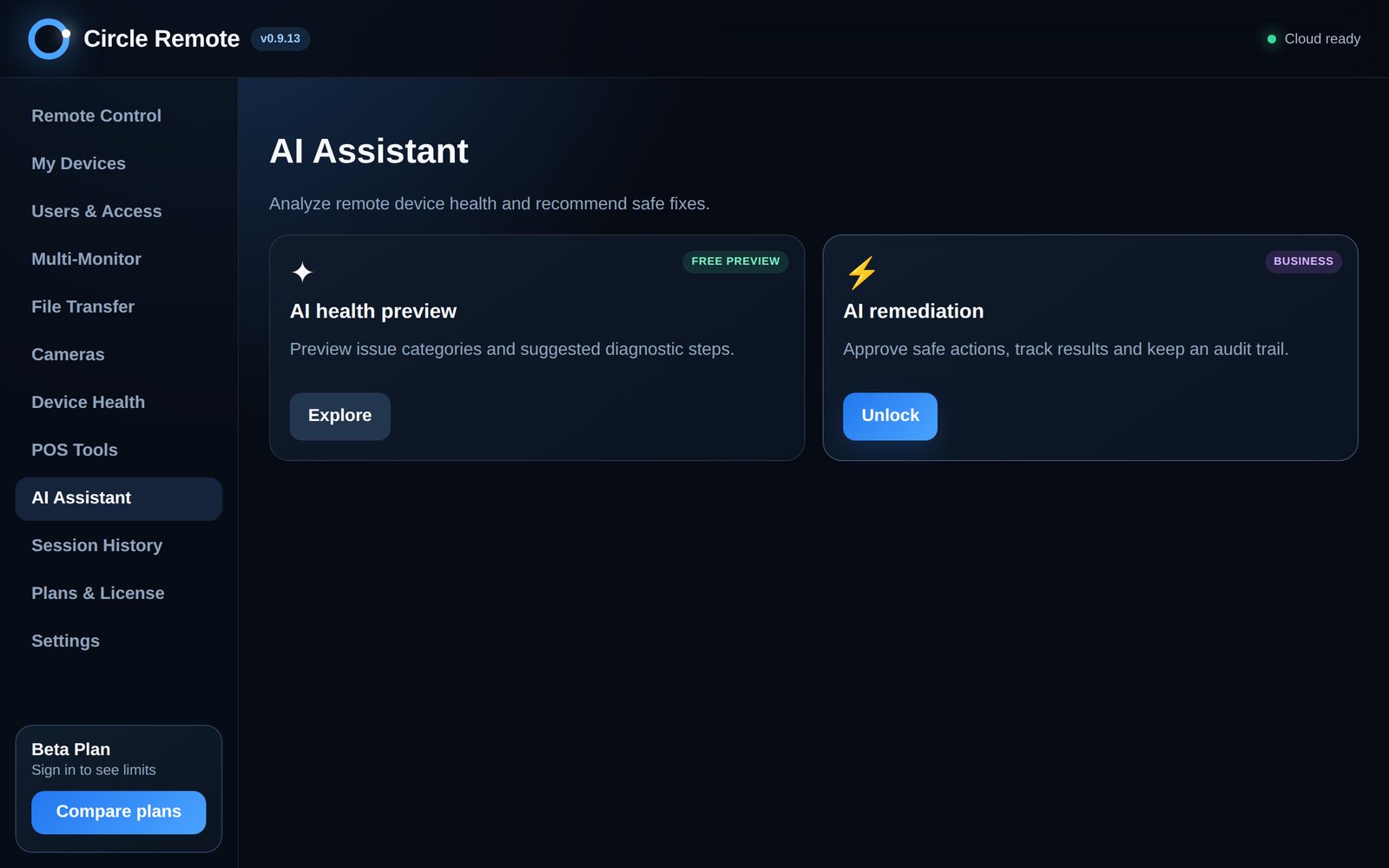

See it in your store — free.
A 30-day free trial with every feature, and a person to help you set it up.